

Adding "alt text" to pictures

Search engines cannot "see" pictures, they read text. You can help the search engines "see" the topic of your pictures by giving them something called an "alternate attribute" or "alternate text".

If you added the picture using the Picture Widget, you can add alt text as follows:

1. Click on the Picture Widget in your page, and then click "Edit" in the top left corner.
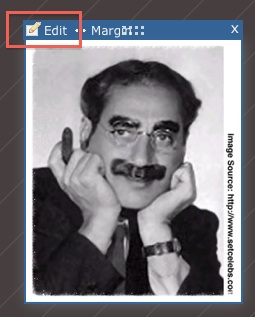


2. Under "Alternative Text", enter your description in the box provided.
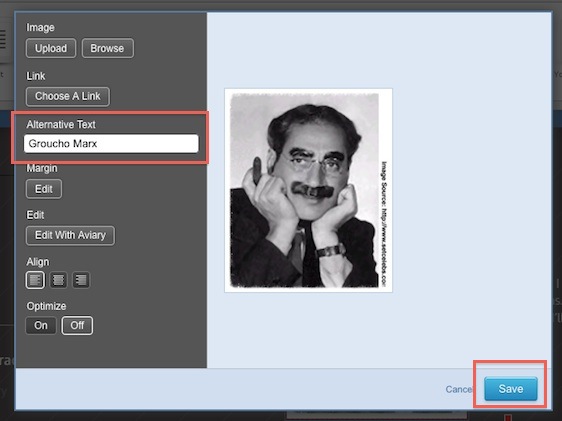

3. When you have typed in your text, click "Save".

Please let us know if you have any questions or need further help.

  • 0 Os usuários acharam isso útil
Esta resposta foi útil?

Artigos Relacionados

What's new?

Not much right now, but check back. Things are bound to get even better!

Visit our home page here

Visit our home page here → LinkSkyVisual.com

Planning your site with SEO in mind: Choosing Keywords, Creating a Site Plan & Domain Names

1. What are keywords?Keywords are the words and phrases that Internet users type into the search...

Optimizing your site for local search

What is local search and why is it important?If you are a business that depends on local...

Publish your site to the web

There are plenty of things you can do with your site and you can easily make amendments after...