

It is not possible to retrieve a mailbox password, as all passwords are encrypted in the system. There are two simple methods for changing your mailbox password.
METHOD ONE
If you know your current mailbox password, you can change it to a new one via the webmail interface -- http://yourdomain.com/webmail. (Of course, type your own domain name.) Use the prompts to log in.
Click on the Change Password button from the navigation bar across the bottom of the window. Type your new password in both fields or use the Password Generator to have the system create a new mailbox password for you. Be sure to make a note of your new password. When you're ready, click the Change Password button.
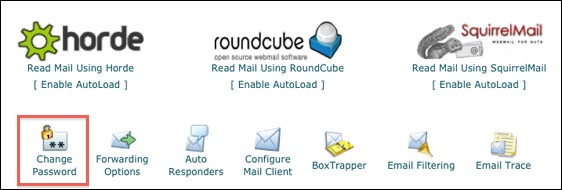
Be sure to test your new password by logging out and logging back in.
METHOD TWO
If you do not know your current mailbox password, you can create a new one by accessing your hosting account control panel (cpanel).
If you don't know your cpanel password, you'll need to ask us to reset it. Your options for contacting us are described here.
In the Mail section click on Email Accounts.
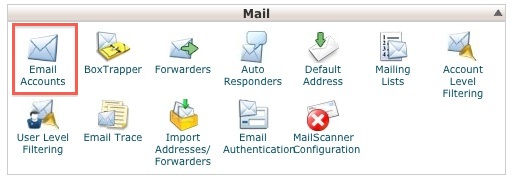
Scroll down the page to find your email address. To the right of your email address, click on the Change Password button.
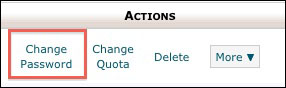
Type your new password in both fields or use the Password Generator to have the system create a new mailbox password for you. Be sure to make a note of your new password. When you're ready, click the Change Password button.
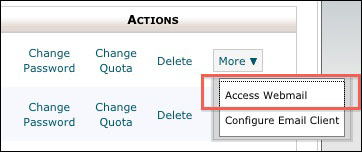
You can test your new password by accessing your mailbox right through cpanel. Look for the More button and select Access Webmail from the menu. Type your new password in box and click log in.
Please let us know if you have any questions or need further help.
