

Great question!
The FREE Trial is the first step.
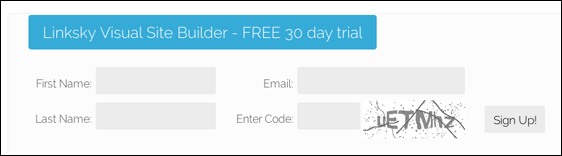
If you're new to LinkSky, you can sign up for a Free Trial on the home page. Scroll down and sign up! You'll have immediate access.
If you're already a Linksky member (if you have a hosting account with Linksky), then sign in to your Billing Services here.
(If you don't know how to access your Billing Services, click here or give us a call. We'd be pleased to help you get started right away. Toll-free: 844-LINKSKY (844-546-5759), or 707-220-8280.)
Once you've logged in, click on Order Hosting Only.
Scroll down to the Linksky Visual Builder FREE TRIAL and click on Order Now.
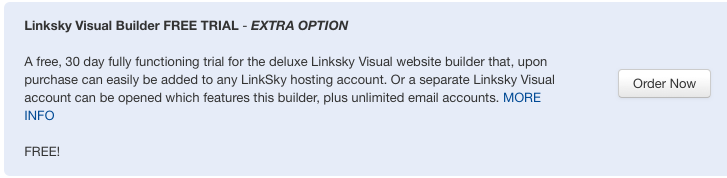
Proceed through the process. You'll get a receipt for $0 because it's Free.
Once we get the order, we'll process it right away and send an email to you with the access information. You'll be on your way to creating a great new web site.
Please let us know if you have any questions or need further help.
