

There are plenty of things you can do with your site and you can easily make amendments after your site has been published. However, this tutorial is going to teach you how to publish your site. When you are ready, let's proceed to the final step in creating a website.
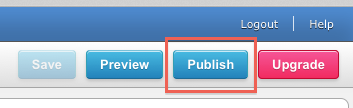
Click the Publish button in the upper right corner.
A window will drop down, select the option to publish to the web.
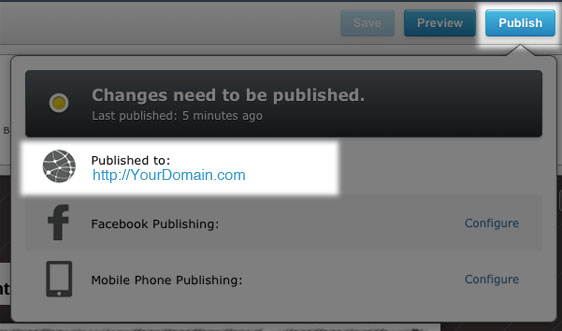
You may see a dialogue box telling you that your site is being published and that you can continue working while it's publishing in the background.
When it's completed, you'll see another notice inviting you to visit your published site.
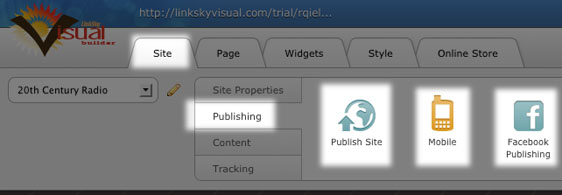
You'll also see the options to publish to your Facebook account and for publishing a mobile version.
You can also see these options here:
Please let us know if you have any questions or need further help.
