

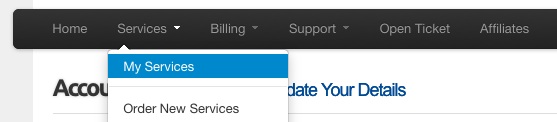
From within your Billing Services account, select Services, and then My Services from the black navigation bar.
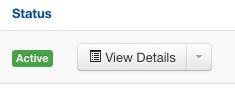
Then click the View Details button for your domain name.
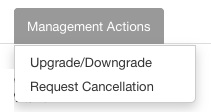
Next, click on Management Actions, and select the Upgrade/Downgrade menu item.
For information on how to access your Billing Services account, click here.
Please let us know if you have any questions or need further help.
