


Click here to visit our LinkSkyVisual.com home page.
Sign up for your Free Trial today!
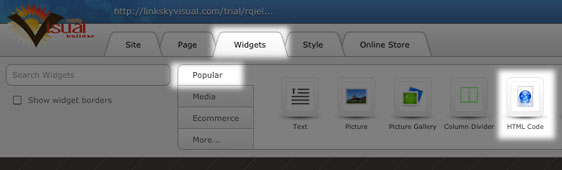
Here's how to add HTML to your site using the HTML Code Widget:
- Click on Widgets > Popular.
- Drag and drop the HTML Code Widget onto the page.
- The HTML Editor will open up allowing you to write or paste your code (use right-click > paste or Ctrl-V to paste).
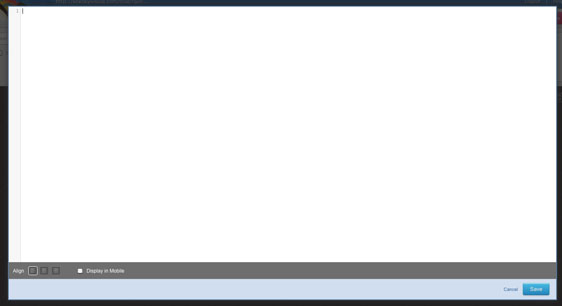
- When you are done, click "Save".
Please let us know if you have any questions or need further help.
